
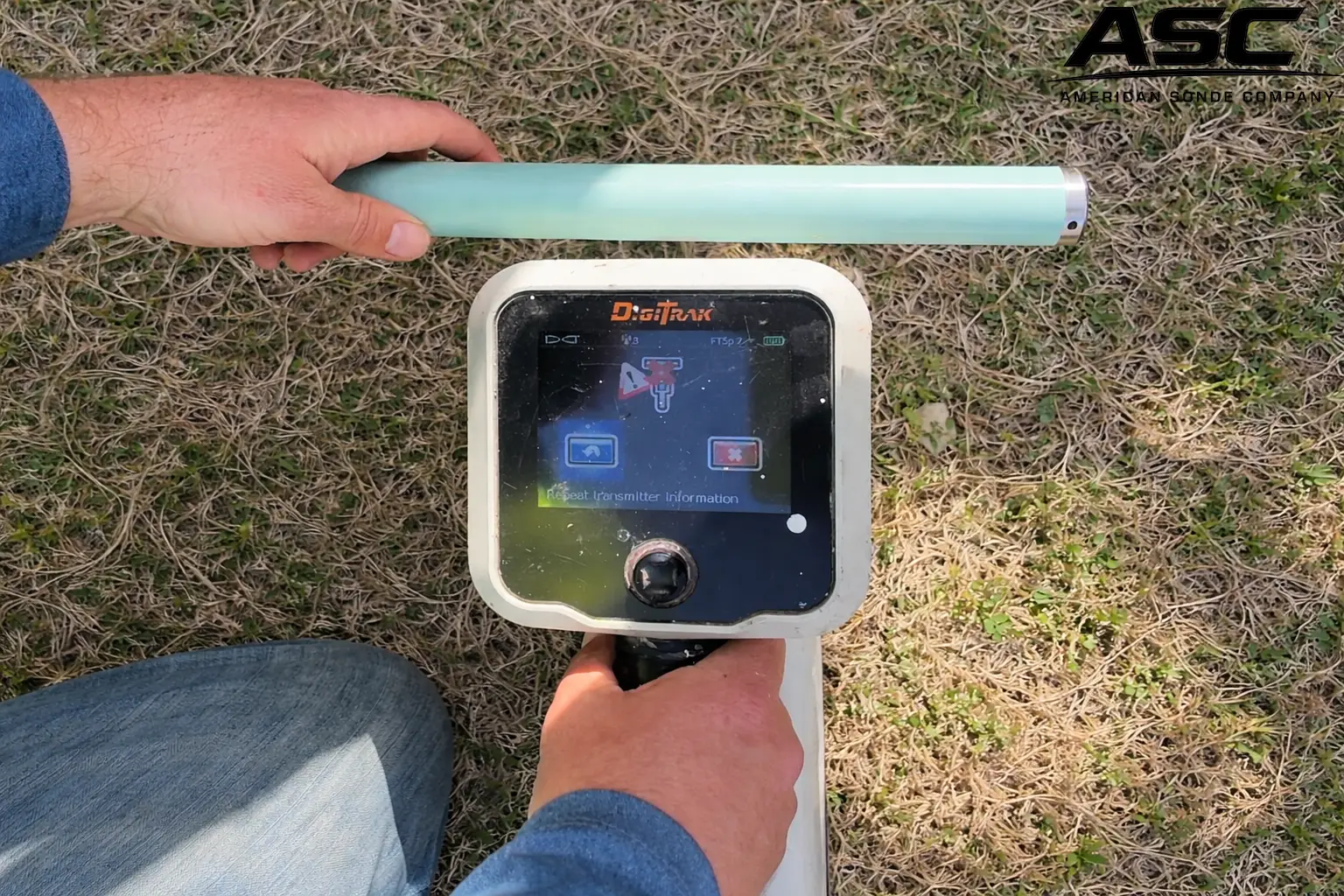
When an HDD Sonde won’t connect to the locator, the issue is usually not random. In most cases, the problem comes down to frequency mismatch, signal interference, battery issues, or locator settings.
Understanding the most common causes helps contractors diagnose the issue quickly and avoid unnecessary downtime during drilling operations.
1. Frequency Mismatch
One of the most common reasons an HDD Sonde Won’t Connect to the locator is a frequency mismatch.
Transmitters operate on specific frequencies, and the locator must be set to the same frequency to detect the signal.
For example:
- A Falcon transmitter may use multiple selectable frequencies
- Older systems may operate on fixed frequencies such as 12 kHz or 19 kHz
If the locator is set to a different frequency than the transmitter, the signal will not be detected.
Always verify that the locator and transmitter frequencies match before drilling begins.
2. Dead or Weak
Another common issue occurs when the transmitter battery is weak or fully drained.
Symptoms of battery problems include:
- locator cannot detect the sonde
- unstable signal readings
- inconsistent depth data
Even if the transmitter powers on, a weak battery can produce a signal that is too weak for the locator to detect reliably hence the HDD Sonde Won’t Connect.
Replacing the battery is often the fastest troubleshooting step.
3. Signal Interference
In many drilling environments, electromagnetic interference can disrupt transmitter signals.
Common interference sources include:
- power lines
- underground utilities
- rebar in concrete
- nearby drilling equipment
- urban infrastructure
High interference environments can prevent the locator from detecting the sonde even when it is functioning properly.
Switching to a different frequency often helps improve signal stability.
4. Incorrect Locator Mode
Locators often include multiple modes for different locating tasks.
If the locator is set to the wrong mode, it may fail to detect the transmitter signal, which will cause the HDD Sonde Won’t Connect
Before assuming equipment failure, verify:
- the locator is set to transmitter locating mode
- the correct frequency is selected
- calibration settings are correct
Simple configuration errors are more common than many contractors expect.
5. Damaged Transmitter
Transmitters operate in harsh conditions inside the drill head and can become damaged over time.
Common causes of transmitter damage include:
- impact during rod changes
- overheating due to poor drilling fluid circulation
- excessive vibration
- water intrusion
A damaged sonde may power on but fail to transmit a readable signal.
If troubleshooting steps do not restore the signal, the transmitter may need replacement, due to the fact that the HDD Sonde Won’t Connect
6. Excessive Depth
Every transmitter has depth limitations based on frequency and signal strength.
Low frequencies generally penetrate deeper, while higher frequencies may struggle at greater depths.
If the bore is deeper than the transmitter’s effective range, the locator may not detect the signal.
Checking transmitter specifications can help determine realistic depth expectations.
Final Thoughts on why HDD Sonde won’t connect to the locator
When an HDD sonde is not connecting to the locator, the cause is usually related to frequency mismatch, battery condition, interference, or incorrect settings rather than immediate equipment failure.
A systematic troubleshooting approach helps identify the issue quickly and keeps drilling operations running smoothly.
Contractors who understand how transmitters and locators interact can diagnose problems faster and avoid costly delays on the job site.